Your Pinterest boards,
backed up forever.
Download and save your boards, sections, pins, and entire profiles. Export as PDF moodboards, HTML, CSV, and more.
"The most quick and effective customer support I have ever seen. I had 2000+ pins to save and they handled everything!"
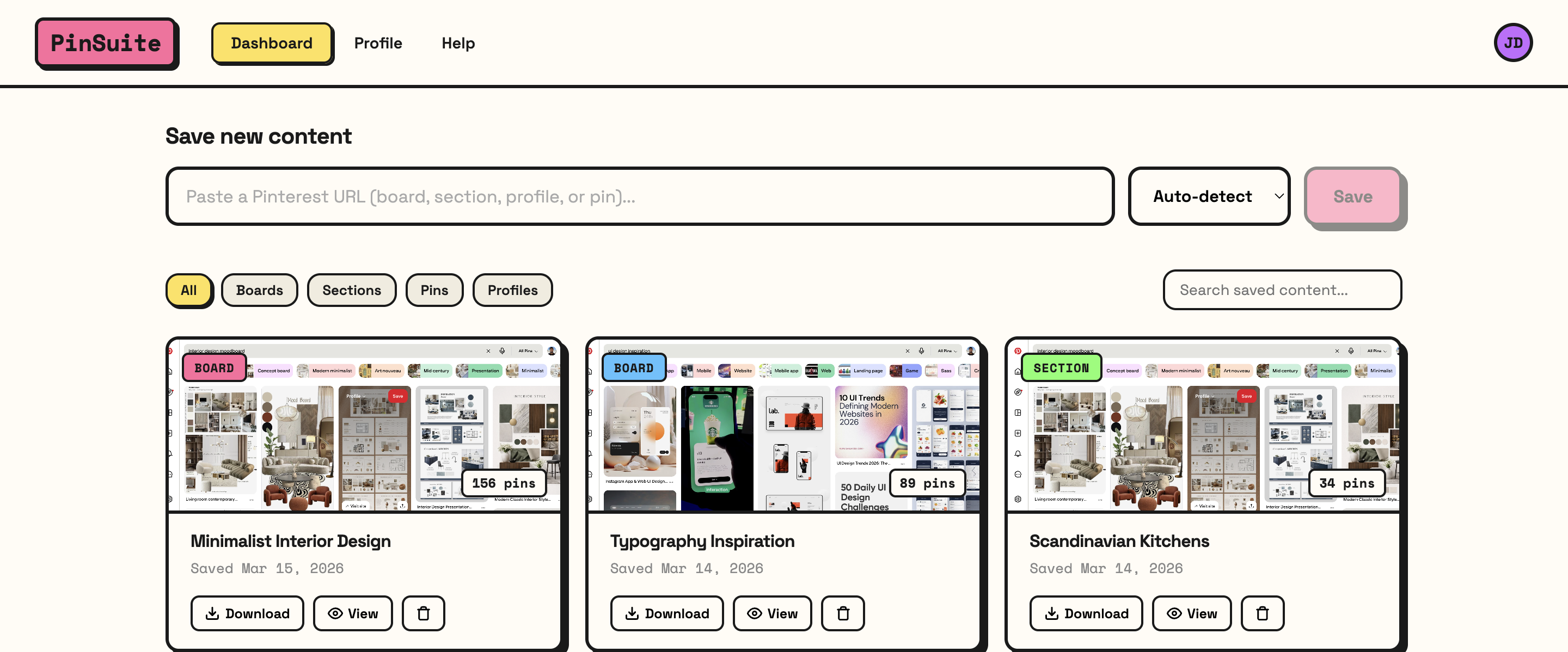
See what PinSuite can do.
Full board structure, massive collections, and four export formats — all from one tool.
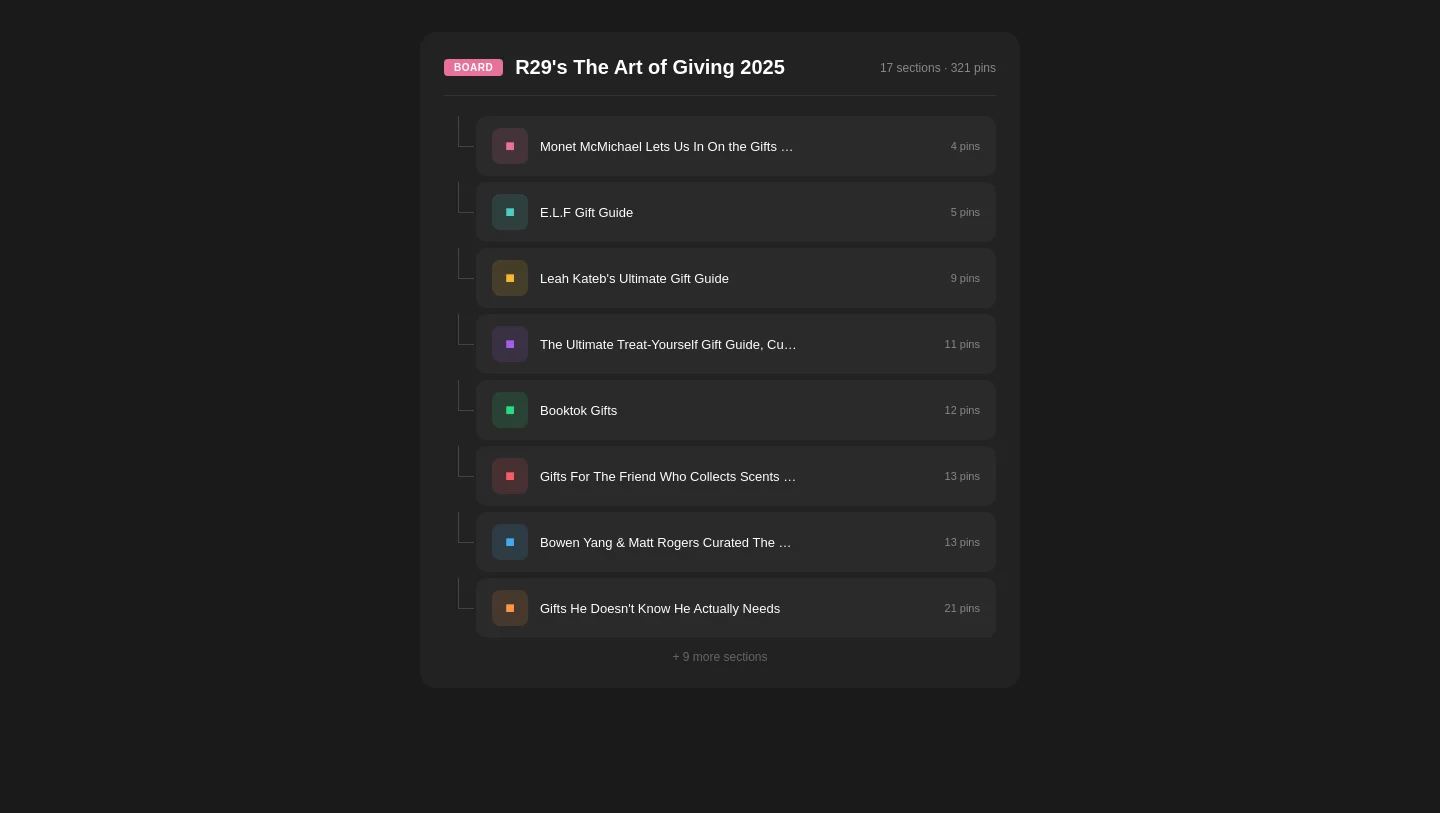
Board → Section → Pin
Every section and pin preserved exactly as organized on Pinterest
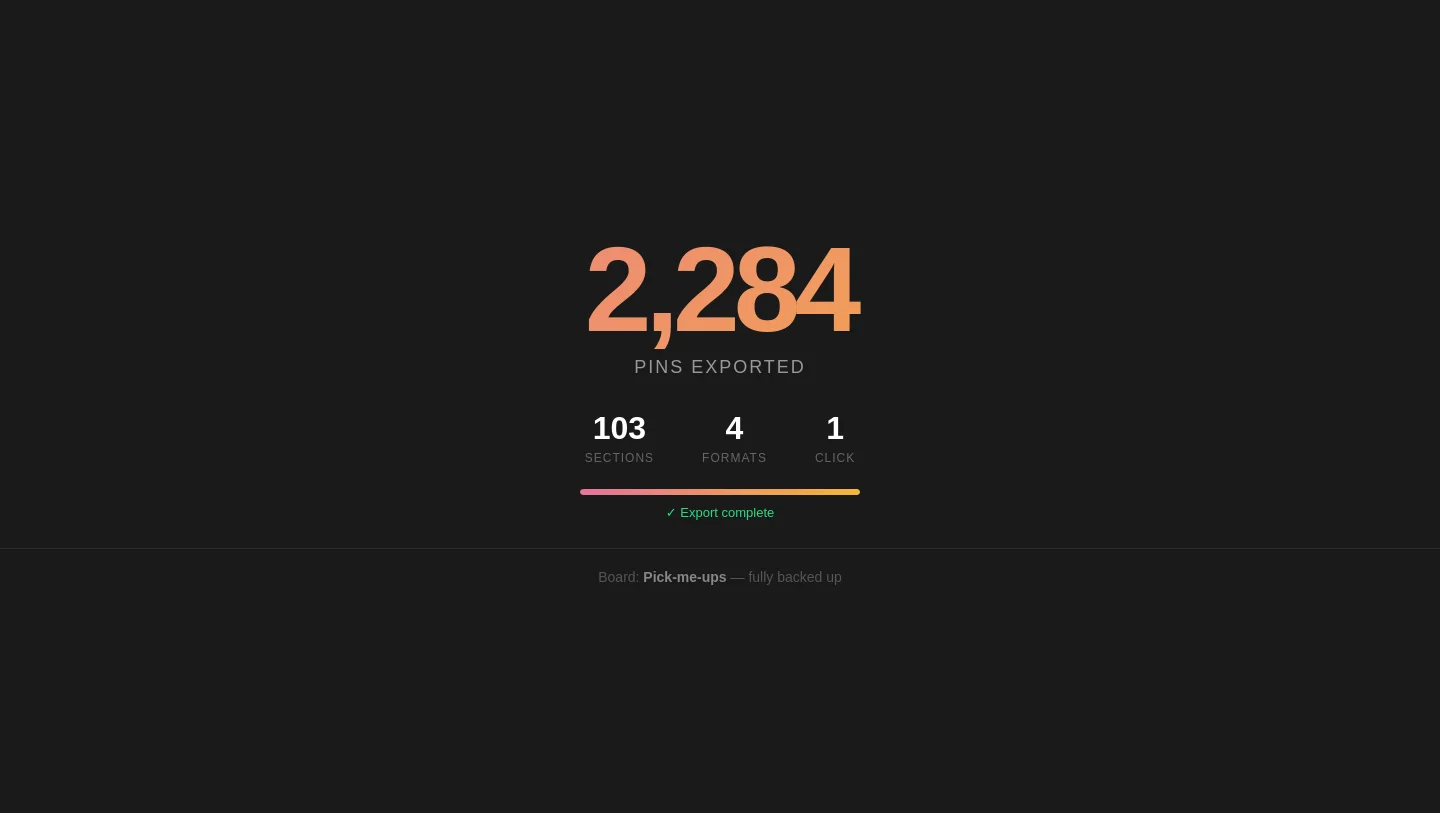
Export Massive Boards
No limits — boards with thousands of pins export in one click
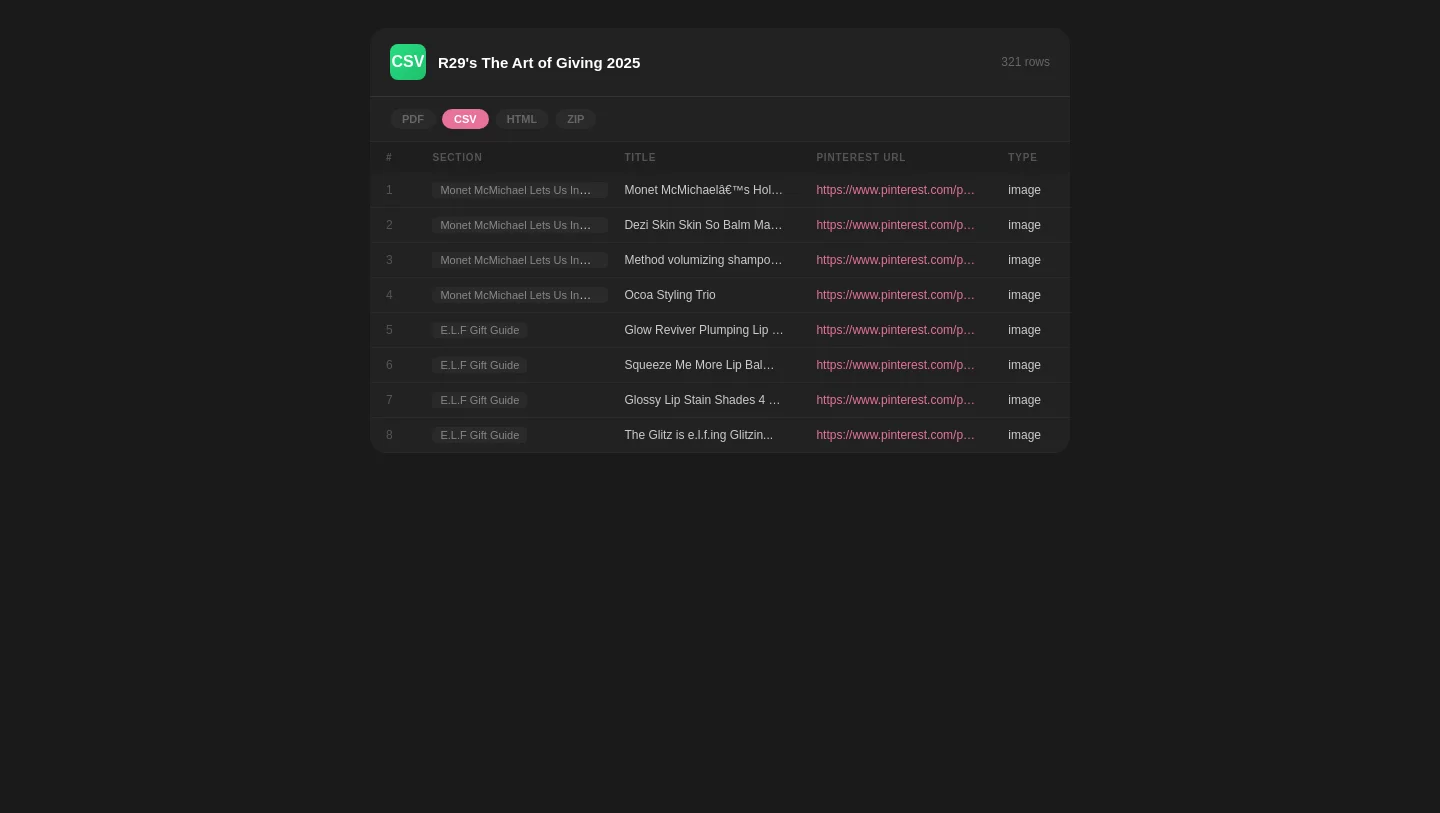
CSV & PDF Export
Searchable spreadsheets and print-ready moodboards
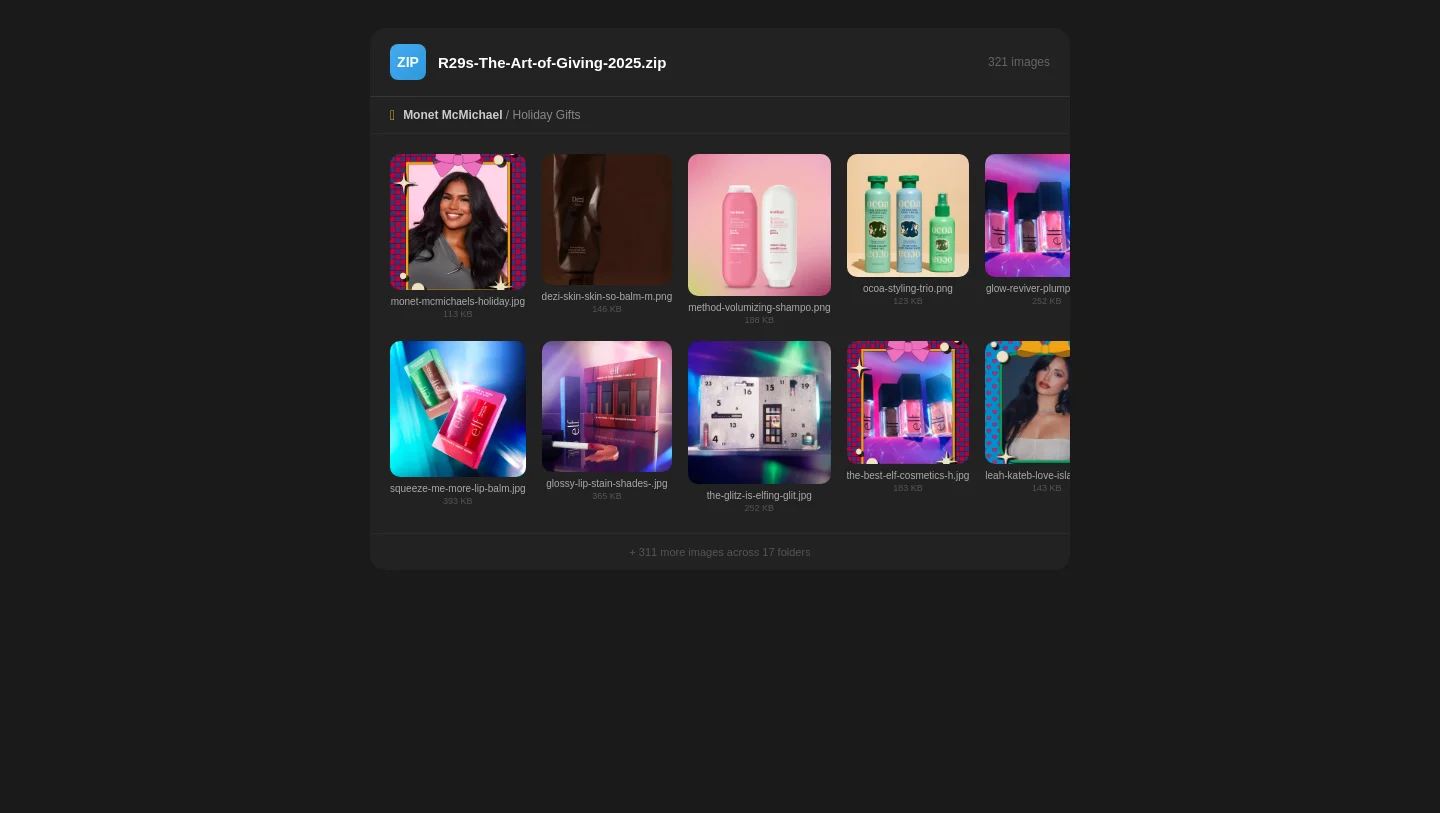
ZIP & HTML Archive
Bulk image downloads and offline browsable galleries
Three steps. That's it.
Paste a Pinterest URL
Drop in a link to any public board, section, profile, or pin.
We fetch everything
PinSuite grabs all images, videos, descriptions, and metadata automatically.
Download your way
Export as PDF moodboard, HTML archive, CSV, or bulk image ZIP.
Everything you need to own your pins.
Pinterest doesn't offer export. PinSuite does.
Full Board Downloads
Save entire boards — all pins, images, descriptions, source links, and metadata — in one click. Works with boards of any size.
4 Export Formats
PDF moodboards, HTML, CSV, or ZIP.
Public Content
No Pinterest login needed. Just paste a URL.
Bulk Operations
Save an entire profile — every board, every section, every pin — in one operation. Hundreds of pins backed up in seconds.
Re-sync
New pins? Re-sync to update your backup.
Encrypted
Your data is yours. Encrypted, downloadable, deletable.
Simple, honest pricing.
No hidden fees. No per-download limits. No surprises.
Monthly
- Unlimited board saves
- All export formats
- Profile & section backups
- Bulk operations
- Priority support
Lifetime
- Everything in Monthly
- Pay once, use forever
- All future updates included
- Priority support forever
- Early access to new features
People are loving it.
"Finally a tool that downloads entire boards, not just one pin at a time. Saved me hours of work."
"That was the most quick and effective customer support I have ever seen. You made the money I spent really worth it. I had 2000+ pins to save and they handled everything!"
"The newest version is BRILLIANT! The gallery.html export is an unexpected, magnificent feature. All the CSV data imported perfectly into Excel. Incredibly helpful, well done!"
Frequently asked questions
Stop hoping Pinterest never changes.
Start owning your content.
Join 12,000+ designers and creators who've already backed up their boards. Start free, no credit card required.
Get Started — It's Free